Set up in a minute
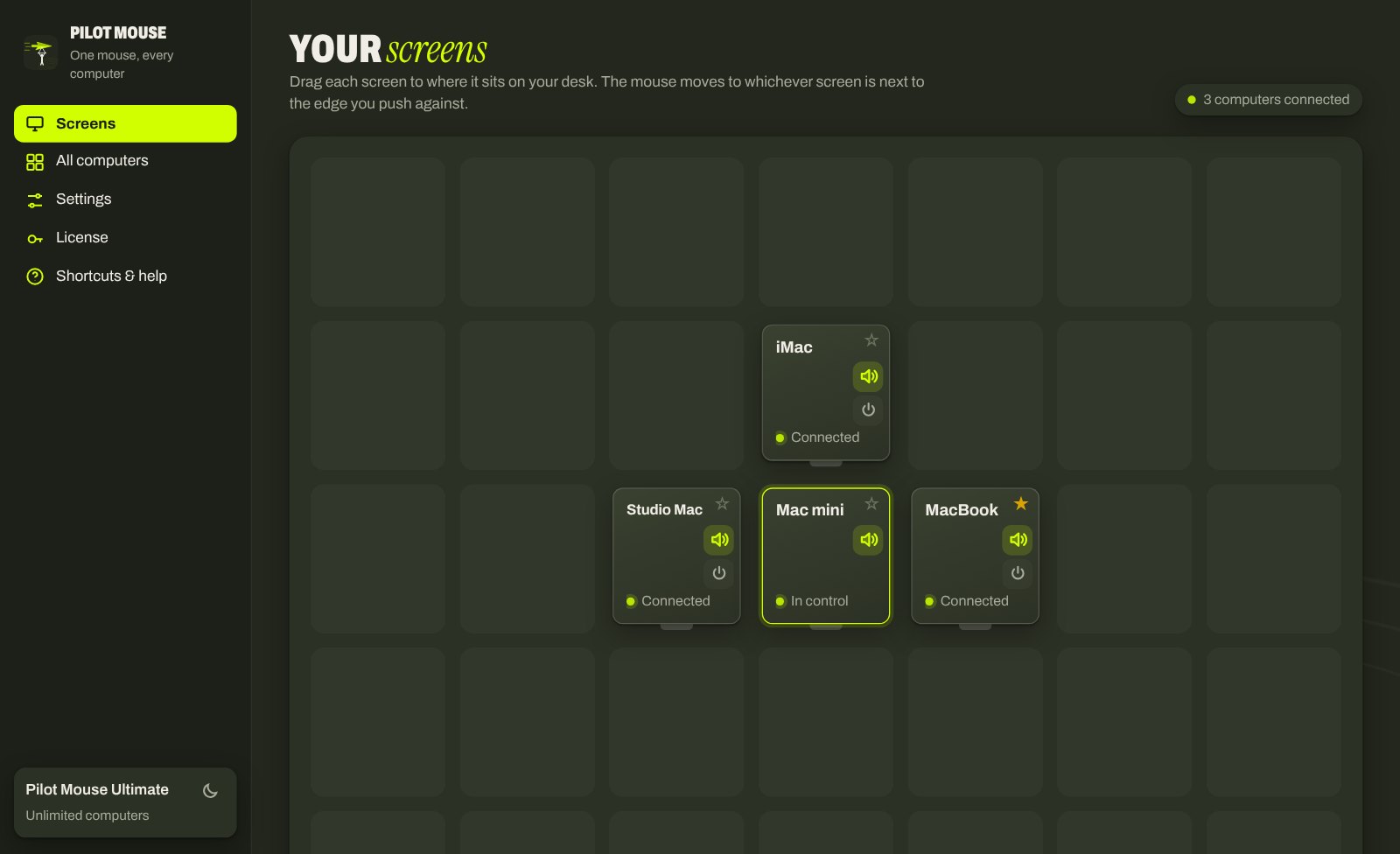
Drag each computer into place in Pilot Mouse's window. Pick a default computer. That's the whole setup.
 Pilot Mouse
 shares one keyboard and mouse between all your Macs. Push the pointer off the edge of one screen and it glides onto the next. Your typing, clipboard, files and sound come with it.
Available now for Mac. Windows is coming soon, after more testing.
Arrange your screens the way they sit on your desk, then just move the mouse. Software KVM that replaces switch boxes, extra keyboards and cables.
Drag each computer into place in Pilot Mouse's window. Pick a default computer. That's the whole setup.
Text, formatting and images. With Ultimate, whole files and folders too. Drag a file to the edge and it lands on the other Mac.
Pick which computers you hear, or all of them, mixed through your main computer.
Everything between your computers is encrypted with your own secret. Nothing goes through the internet.
If a computer freezes or sleeps, your mouse and keyboard come straight back.
Stay put in full-screen games. Wake sleeping computers by pushing toward them. Type on every computer at once.
It shouldn't matter which computer you're on. It should feel like one.
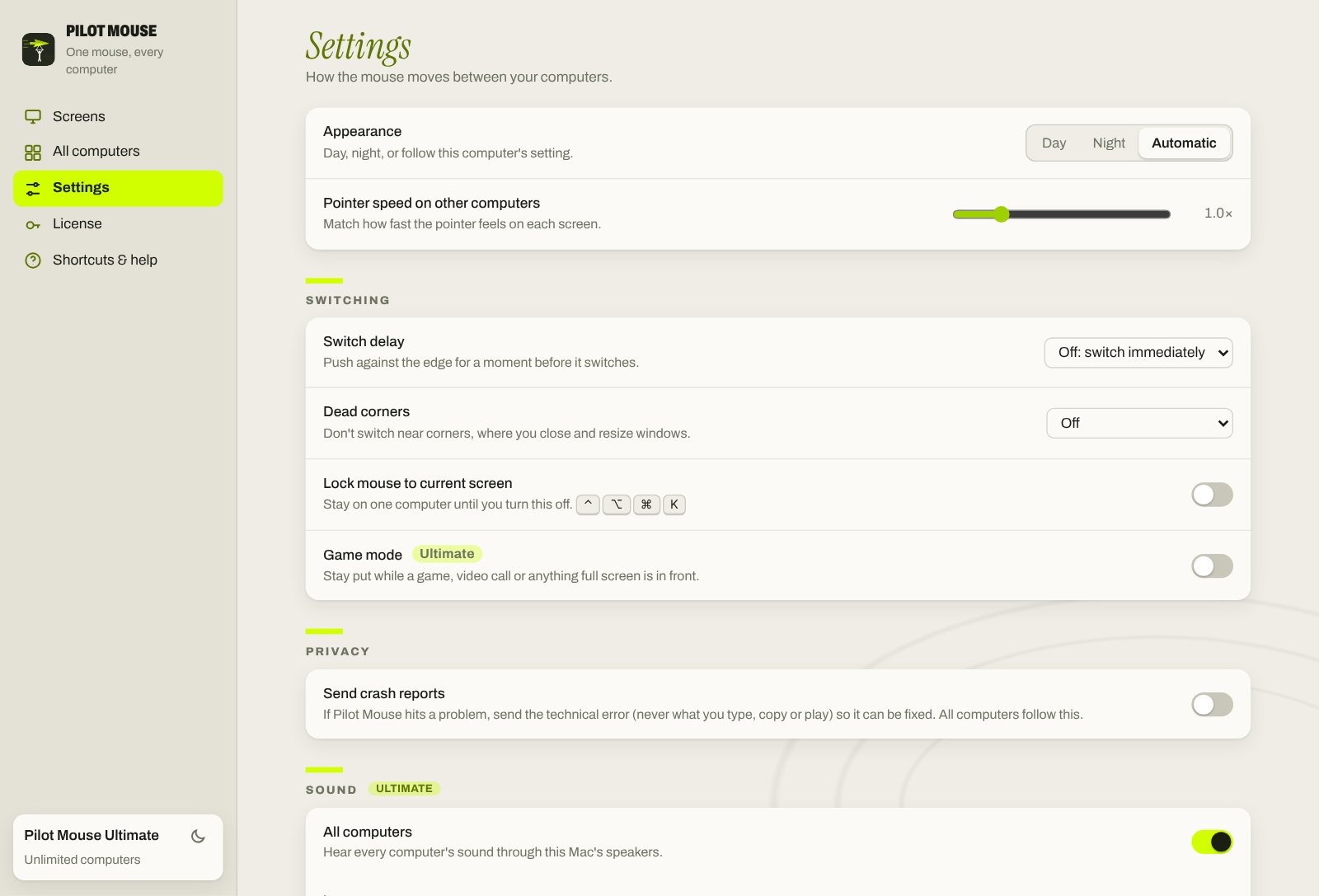
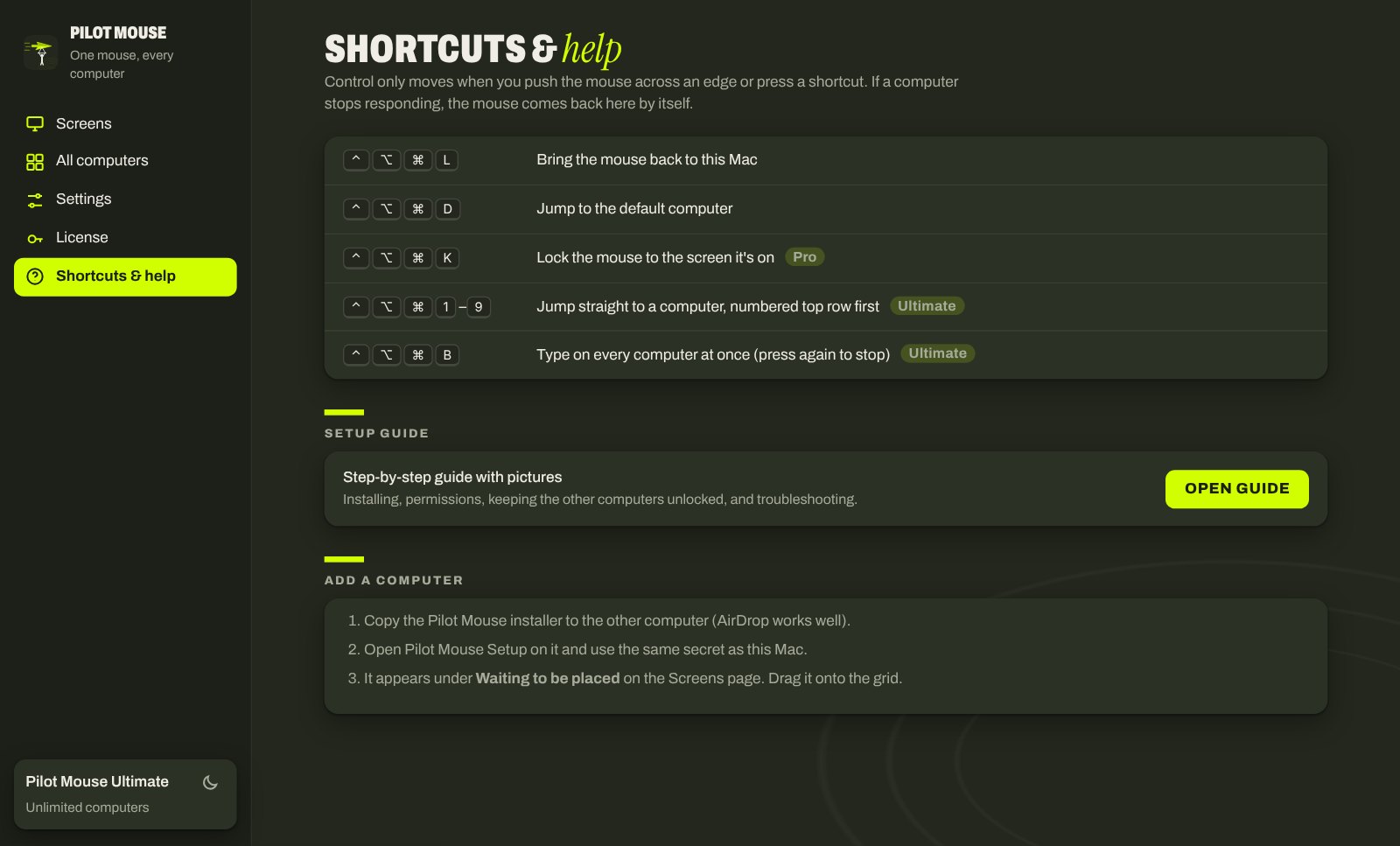
Day or night, Pilot Mouse's window shows every computer, every setting and your license in one place.
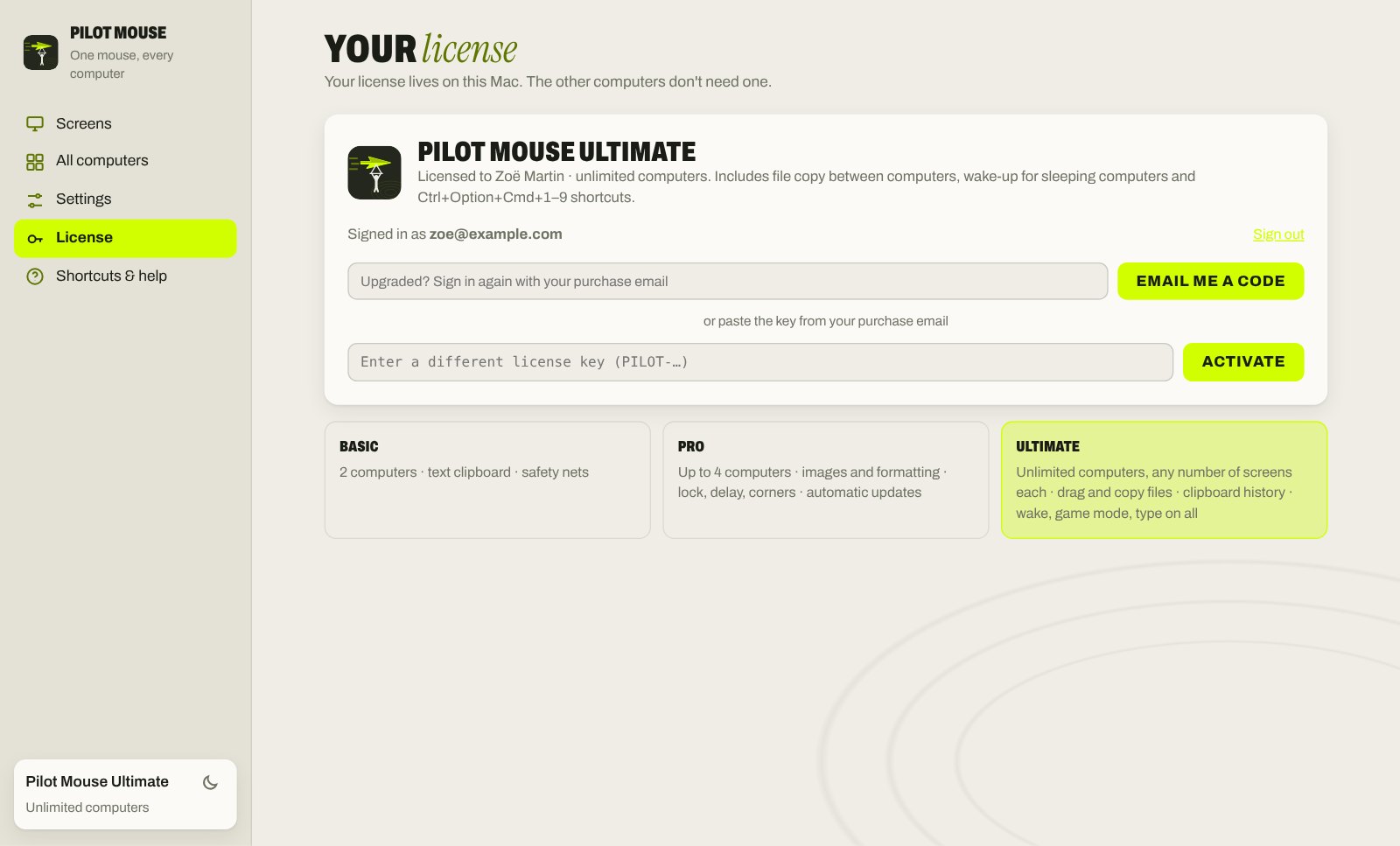
Every computer on your desk, working as one.
Share one keyboard and mouse between your iMac or Mac mini and your MacBook. Using a Windows PC too? The Windows version is coming soon.
Control your work laptop and your personal Mac from one keyboard, without a KVM switch or a second set of peripherals.
Move between machines as if they were one big desktop, drag files across, and hear every computer through one set of speakers.
Your license key arrives by email straight after you buy. It goes on your main computer only. The others need nothing. Pilot Mouse runs on any Mac with macOS 13 or later today, Intel or Apple silicon; when the Windows version arrives, the same key works with it. Not for you? Full refund within 14 days, no questions asked.
Not yet. Pilot Mouse is available for Mac now, because that's where it has been tested the longest. The Windows version is coming soon, after more testing on real PCs. Your license key will work with it too, so you can mix Macs and PCs once it's out.
No. Pilot Mouse works over your home or office network. The computers find each other automatically and everything between them is encrypted.
Install Pilot Mouse on both Macs. Choose one as the main computer (the one with the keyboard and mouse), then drag the other into place in Pilot Mouse's window, left, right or above. Push the pointer off that edge of the screen and it moves onto the other computer, with the keyboard following.
Yes. Copy on one computer, move the mouse across, and paste on the other. Text works on every edition, and Pro and Ultimate also carry formatted text and images. Ultimate adds files and folders, and dragging files from one Mac's screen to the next.
Basic covers 2 computers, Pro up to 4, and Ultimate any number. Several monitors on each computer work too.
Yes, as long as the computers are on the same local network. A wired connection gives the lowest delay, about 1 ms in our testing.
Everything between your computers is encrypted with a passphrase you choose, and it stays on your own network. Computers without the passphrase can't connect.
No. Pilot Mouse is a one-time purchase. The license key goes on your main computer only.
Your download link arrives with your license key by email right after you buy. Lost it? Sign in on your account page with your purchase email to get the download and your key again.
Pilot Mouse is paid software, from $19 one time. Buy it once and install it on every Mac you use; the license key goes on the main computer only.
Buy for Mac Already bought it? Sign inComing soon. We're finishing testing on real PCs. Your license key will work with it, and we'll email you when it's ready.
Coming soon